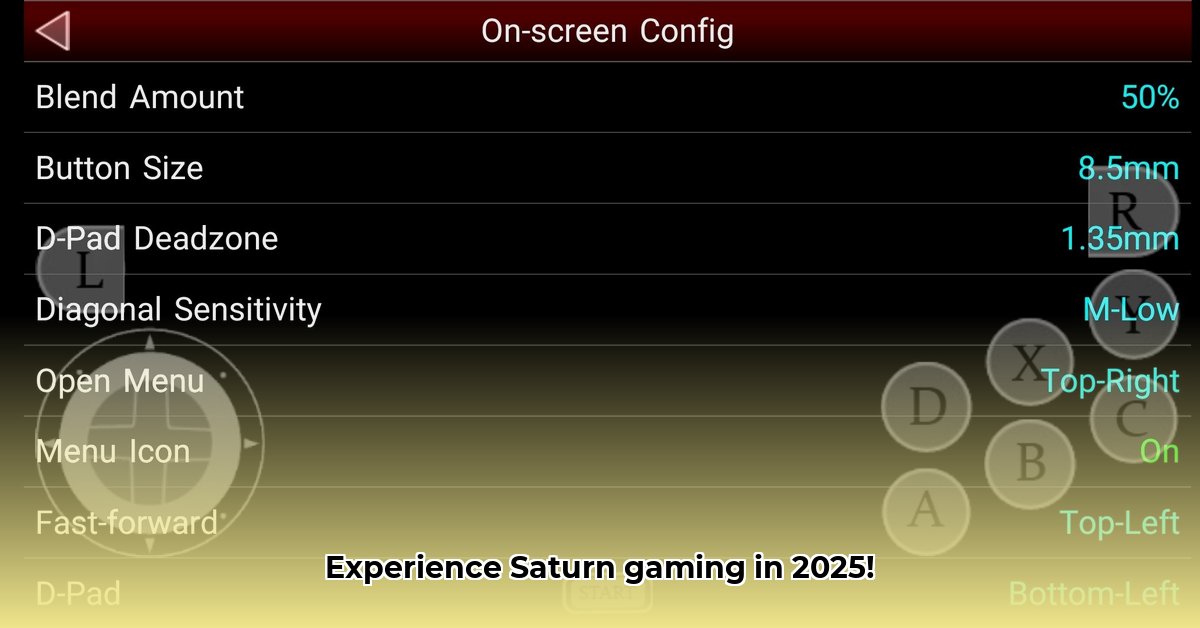
Finding the Perfect Sega Saturn Emulator for Your Android Device
Want to relive the glory days of the Sega Saturn on your Android phone or tablet? This guide reviews the top five Android emulators for Sega Saturn games in 2025, comparing their strengths and weaknesses to help you choose the best one for your needs and technical skills. We'll provide step-by-step instructions to get you started, even if you're a complete emulation newbie. But first, a crucial point: always ensure you legally own any ROMs (game files) you use with these emulators.
RetroArch with Beetle-Saturn Core: The Versatile Veteran
RetroArch isn't a single emulator but a versatile frontend that supports numerous game systems, including the Sega Saturn via its Beetle-Saturn core. Based on the robust Mednafen engine, it offers excellent compatibility and frequent updates, making it a popular choice. However, its initial setup may present a steeper learning curve than some other options.
Pros:
- High Compatibility: Plays a wide range of Sega Saturn games.
- Regular Updates: Benefits from consistent developer support and bug fixes.
- Active Community: Extensive online resources and support are readily available.
Cons:
- Complex Setup: Requires some technical knowledge for optimal configuration.
- Learning Curve: Not as immediately intuitive as some dedicated emulators.
Yaba Sanshiro 2: The User-Friendly Champion
Specifically designed for Android, Yaba Sanshiro 2 prioritizes ease of use. Its intuitive interface makes it ideal for beginners, offering a largely hassle-free Sega Saturn experience. While its compatibility might be slightly less extensive than RetroArch, its performance is generally excellent.
Pros:
- Intuitive Interface: Simple and straightforward setup and use.
- Strong Performance: Runs smoothly on many Android devices.
- Easy Setup: Minimal technical knowledge required to get started.
Cons:
- Lower Compatibility: May not support all Sega Saturn games perfectly.
- Limited Customization: Fewer advanced settings compared to other options.
SSF: The Lightweight Contender
SSF is a compact Sega Saturn emulator. Its small download size is a significant advantage for users with limited storage. While compatibility is decent, be aware that it might require a separate BIOS file (a system file needed to run some games), which you'll need to obtain legally.
Pros:
- Small Footprint: Minimal impact on your device's storage space.
- Good Compatibility: Runs a solid selection of Saturn games.
Cons:
- Potential Performance Issues: May experience lag, especially with demanding games.
- BIOS Requirement: Needs a legally obtained BIOS file to function.
Mednafen: The Powerhouse (For Advanced Users)
Mednafen is a highly powerful and accurate emulator known for its performance. Its advanced features, however, come with a steeper learning curve. While it can deliver exceptional results, it demands a higher level of technical expertise for setup and troubleshooting.
Pros:
- High Accuracy: Emulates games with great fidelity.
- Excellent Performance: Can deliver outstanding performance for many titles.
Cons:
- Steep Learning Curve: Requires significant technical knowledge.
- Complex Setup: Extensive configuration may be needed.
BizHawk: The Speedrunner's Choice
BizHawk is a highly configurable emulator, although it's primarily designed for speedrunning. While usable for casual play, its focus on advanced features means a considerable learning curve. It offers impressive tools for frame-by-frame analysis and manipulation.
Pros:
- Advanced Features: Offers precise control for frame-by-frame analysis and speedrunning.
- Powerful Tools: Excellent for detailed game manipulation and analysis.
Cons:
- Steep Learning Curve: Complex interface requiring significant effort to master.
- Not Beginner-Friendly: Not ideal for casual, everyday emulation.
Choosing the Right Emulator: A Quick Comparison
| Emulator | Compatibility | Performance | Ease of Use | Android Support | Notes |
|---|---|---|---|---|---|
| RetroArch (Beetle) | Excellent | Very Good | Moderate | Excellent | Multi-system; requires initial configuration |
| Yaba Sanshiro 2 | Good | Good | Excellent | Excellent | Designed for Android; user-friendly |
| SSF | Good | Moderate | Moderate | Good | Small size; may require a BIOS file; potential instability |
| Mednafen | Excellent | Excellent | Difficult | Good | Powerful, but requires advanced technical knowledge |
| BizHawk | Good | Varies | Difficult | Good | Primarily for speedrunning; complex interface |
Actionable Steps: Getting Started with Your Chosen Emulator
Step 1: Download your chosen emulator from a reputable source. Always verify the source to ensure safety and legitimacy.
Step 2: Download the necessary ROMs (game files) ensuring you have legally acquired them.
Step 3: (If applicable) Download the required BIOS file. Again, obtain this legally.
Step 4: Follow the specific instructions for your emulator's setup and configuration. Many emulators provide excellent online tutorials.
Step 5: Launch the emulator and load your ROM. Enjoy your Sega Saturn games!
Remember: Legal and ethical ROM acquisition is crucial. This guide provides technical information only; we are not responsible for any illegal activity.
⭐⭐⭐⭐☆ (4.8)
Download via Link 1
Download via Link 2
Last updated: Thursday, June 05, 2025